โดยปกติคำสั่งซื้อจะถูกจัดส่งไปยัง ประเทศไทยภายใน4 วัน ขึ้นอยู่กับสถานที่.
จัดส่งฟรีถึง ประเทศไทยเมื่อสั่งซื้อตั้งแต่ ฿1,600 (THB) ขึ้นไป จะมีการเรียกเก็บเงินค่าจัดส่ง ฿600 (THB) สำหรับคำสั่งซื้อทั้งหมดที่น้อยกว่า ฿1,600 (THB).
ค่าขนส่งของ UPS, FedEx หรือ DHL แบบชำระล่วงหน้า: CPT (ภาษีศุลกากรและภาษีที่ต้องชำระ ณ เวลาที่จัดส่ง) ชำระเงินด้วยบัตรเครดิตและ PayPal เท่านั้น
![]()
![]()
![]()
![]()


ผลิตภัณฑ์อื่น ๆ จาก พันธมิตรที่ได้รับอนุมัติอย่างเป็นทางการ
เวลาเฉลี่ยในการจัดส่ง 1-3 วัน อาจมีค่าบริการในการจัดส่งเพิ่มเติม โปรดดูหน้าผลิตภัณฑ์ รถเข็น และการชำระเงินสำหรับความเร็วของเรือจริง
Incoterms: CPT (อากร, ภาษีศุลกากร และภาษีมูลค่าเพิ่ม/ภาษีที่เกี่ยวข้อง ณ เวลาที่จัดส่ง)

สำหรับข้อมูลเพิ่มเติม ดูได้ที่ความช่วยเหลือและการสนับสนุน
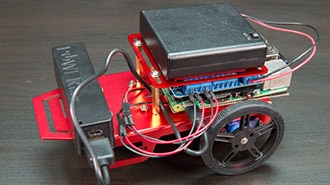
This is a fun project to build a simple robot using the Raspberry Pi and Adafruit's awesome robot chassis kit.
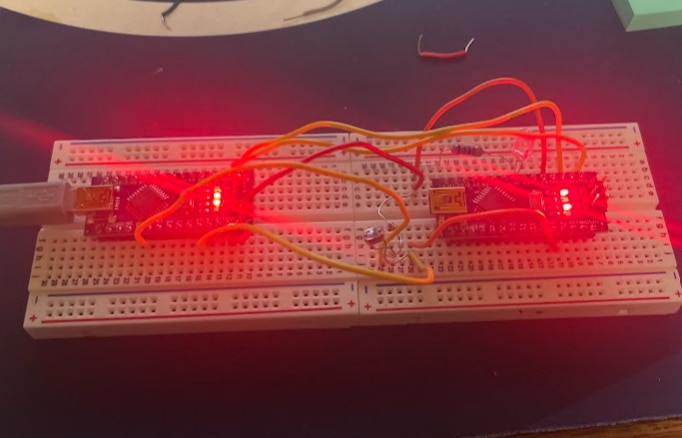
Explore the features of Arduino, Raspberry Pi, and ESP32, and uncover which brainpower suits your project's needs.
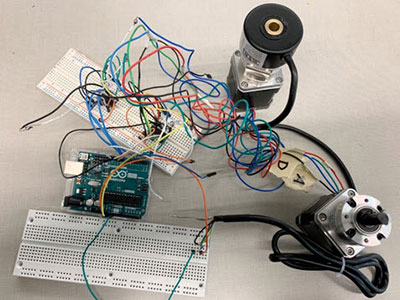
This project will focus on the automation module for an electric vehicle, starting with an Arduino prototype and ending with a PCB that will allow the computer in an autonomous vehicle to steer or brake the car.
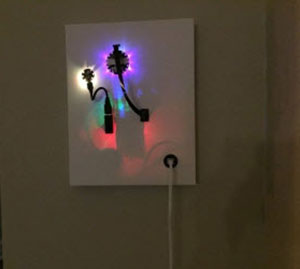
I'll walk you through the process of constructing a CompuCanvas type system, designing characters and scenes on canvas using functional computer systems.
Building and controlling a fan is breeze with a Raspberry Pi, a dash of Python programming, simple circuitry and the AdafruitIO Internet of Things dashboard.
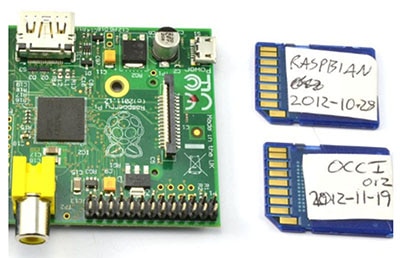
This lesson shows you how to create an SD card for your Raspberry Pi.
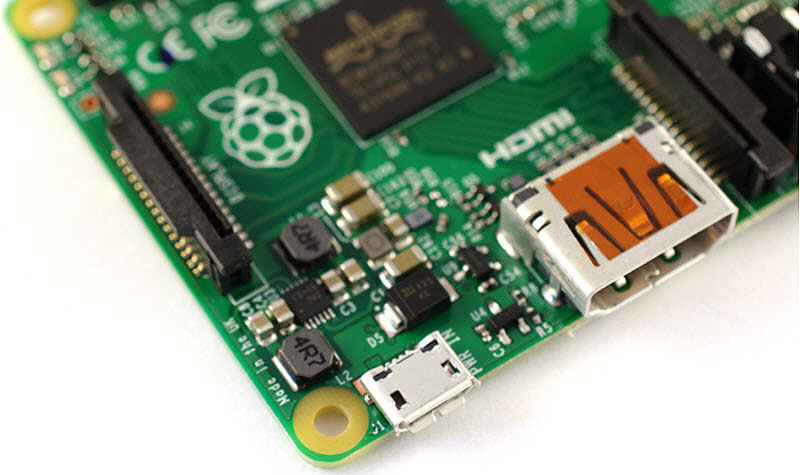
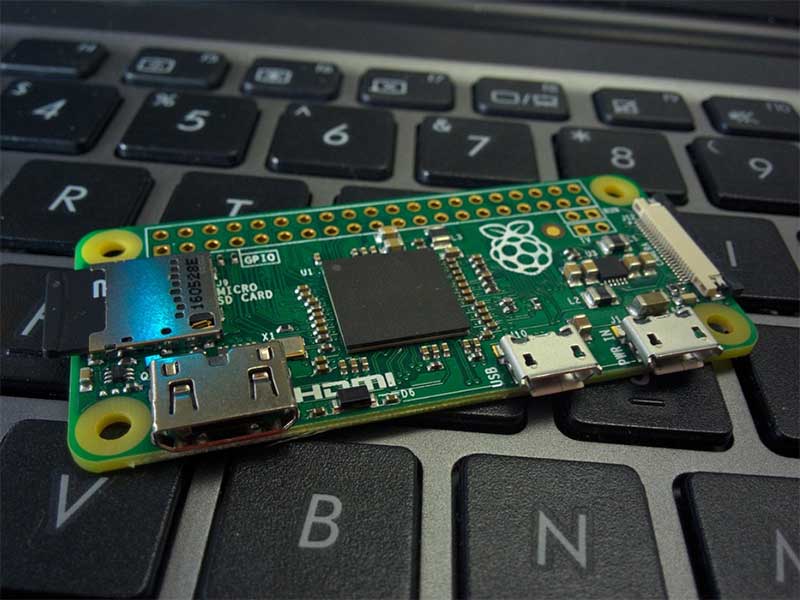
Raspberry Pi models are great, but there are several to choose from. So, which one should you choose for your next Raspberry Pi project?
Windows 10’s popular voice assistant Cortana can now be enabled on the Raspberry Pi revision 2 and 3 . Once Cortana is setup on Windows 10 IoT Core, your Raspberry Pi will be able to act like a voice-controlled assistant, answering questions.
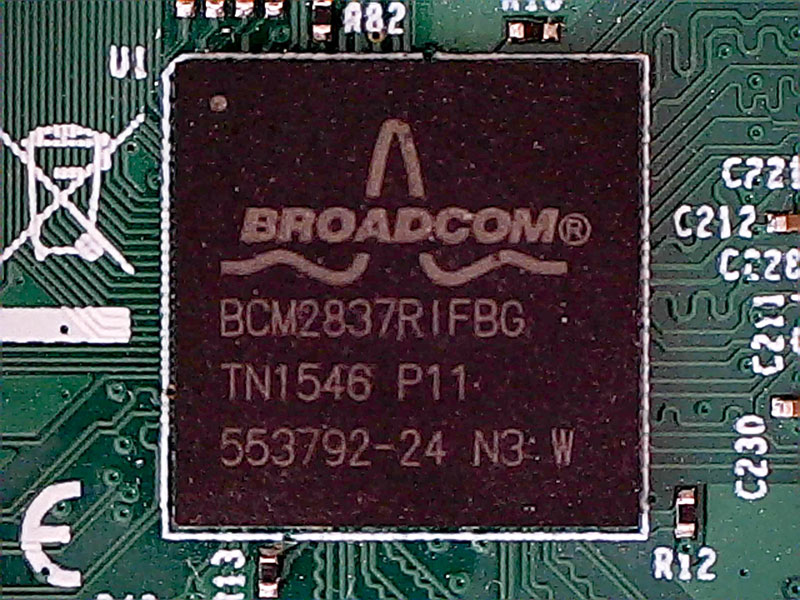
There has been a lot of chatter in the Raspberry Pi forums regarding the Raspberry Pi 2 hardware, in particular the SoC.
In this project, we’ll connect an LED to a Raspberry Pi and control it with a tactile pushbutton switch.
RetroPie allows you to turn your Raspberry Pi or PC into a retro-gaming machine. It builds upon Raspbian, EmulationStation, RetroArch and many other projects to enable you to play your favourite Arcade, home-console, and classic PC games with the minimum set-up.
ขอขอบคุณ
จับตาดูกล่องจดหมายของคุณเพื่อรับข่าวสารและอัพเดทจาก DigiKey!
กรุณาป้อนที่อยู่อีเมล
กรุณาติ๊กเครื่องหมายในช่องทำเครื่องหมาย