โดยปกติคำสั่งซื้อจะถูกจัดส่งไปยัง ประเทศไทยภายใน4 วัน ขึ้นอยู่กับสถานที่.
จัดส่งฟรีถึง ประเทศไทยเมื่อสั่งซื้อตั้งแต่ ฿1,600 (THB) ขึ้นไป จะมีการเรียกเก็บเงินค่าจัดส่ง ฿600 (THB) สำหรับคำสั่งซื้อทั้งหมดที่น้อยกว่า ฿1,600 (THB).
ค่าขนส่งของ UPS, FedEx หรือ DHL แบบชำระล่วงหน้า: CPT (ภาษีศุลกากรและภาษีที่ต้องชำระ ณ เวลาที่จัดส่ง) ชำระเงินด้วยบัตรเครดิตและ PayPal เท่านั้น
![]()
![]()
![]()
![]()


ผลิตภัณฑ์อื่น ๆ จาก พันธมิตรที่ได้รับอนุมัติอย่างเป็นทางการ
เวลาเฉลี่ยในการจัดส่ง 1-3 วัน อาจมีค่าบริการในการจัดส่งเพิ่มเติม โปรดดูหน้าผลิตภัณฑ์ รถเข็น และการชำระเงินสำหรับความเร็วของเรือจริง
Incoterms: CPT (อากร, ภาษีศุลกากร และภาษีมูลค่าเพิ่ม/ภาษีที่เกี่ยวข้อง ณ เวลาที่จัดส่ง)

สำหรับข้อมูลเพิ่มเติม ดูได้ที่ความช่วยเหลือและการสนับสนุน
In this tutorial, we'll provide a quick rundown of each part in the kit, to help reinforce your understanding of the component. For some parts, we'll include an example application, in case you're in need of a circuit to plug your new toys into.
In this tutorial, we'll discuss how the time is set with the on board six DIP switch and use a microcontroller to turn it off when a task is finished.
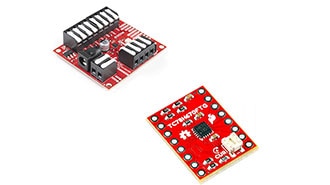
SparkFun ProDriver and Mini Stepper Motor Driver utilize the latest TC78H670FTG stepper motor driver from Toshiba. With two different methods for control (serial communication or clock-in stepping) this is a great option for your next project that requires precise motor control.
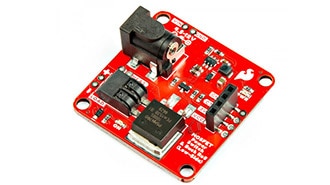
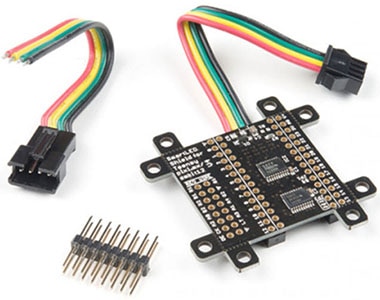
This tutorial will guide you through using the SparkFun MOSFET Power Switch and Buck Regulator (Low-Side) with your Arduino projects.
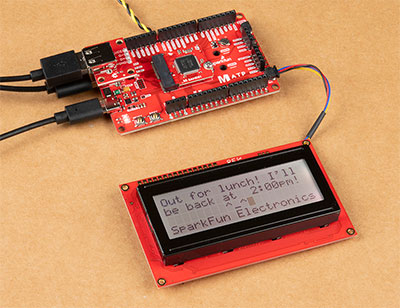
To help notify others of where I may be, I made the Qwiic-enabled digital desk sign using the SAMD51's USB host and a USB keyboard to type short custom messages while I am away!
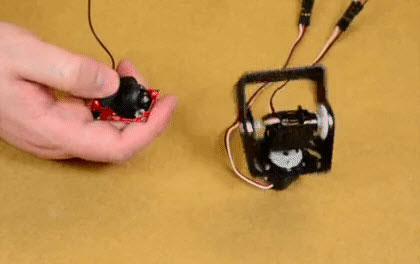
We will cover some basics of controlling servos with code using the Arduino IDE and Python, and provide an example that requires no programming at all.
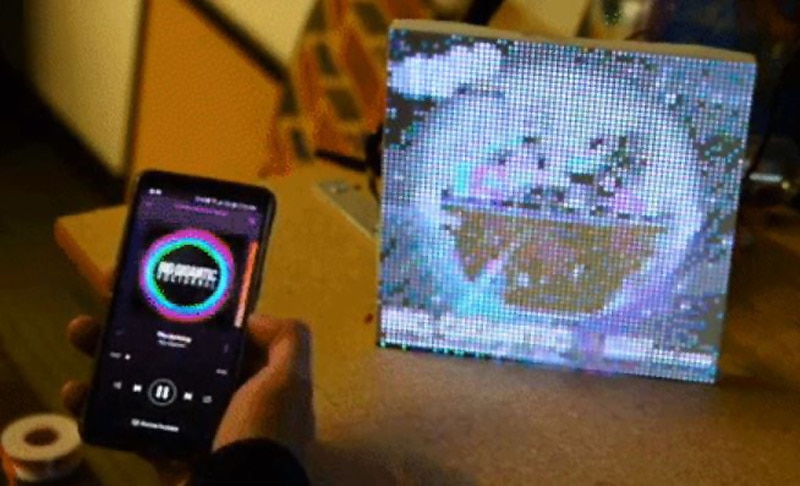
In the past couple weeks I've been experimenting with LuMini Rings and RGB Matrix Panels. Some interesting examples to make them really pop.
Knock out your next design with a colorful LED Matrix display that can make designing easier with moving RGB LEDs built into a cost effect panel.
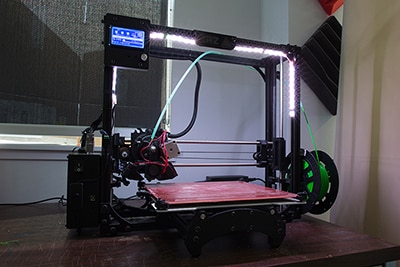
In this tutorial, we will be using a LED strip to light up the print bed on a LulzBot 3D printer!
This tutorial will show you how to connect, power, and control the LED segments with an Arduino.
ขอขอบคุณ
จับตาดูกล่องจดหมายของคุณเพื่อรับข่าวสารและอัพเดทจาก DigiKey!
กรุณาป้อนที่อยู่อีเมล
กรุณาติ๊กเครื่องหมายในช่องทำเครื่องหมาย